
Ten Commandments for working from home
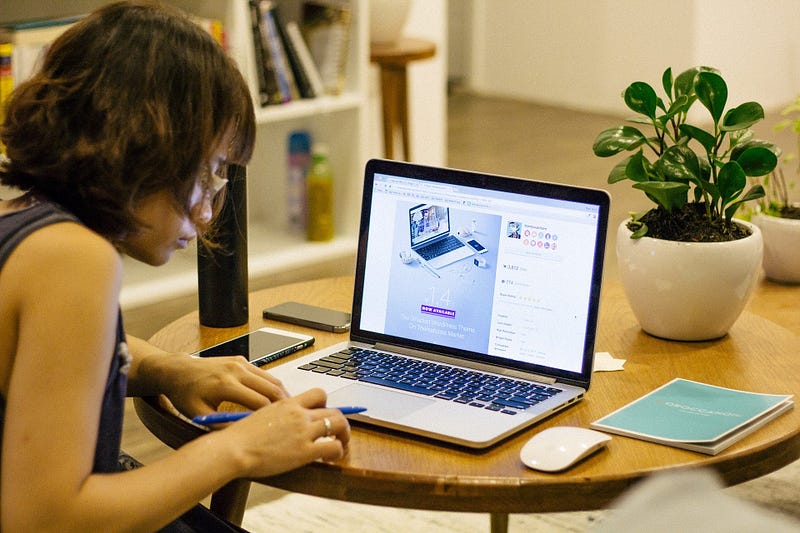
Start early — at the time you usually leave to work. Don’t squander the travel time.
Have a dedicated room, or at least a table for your work (keep charging cable ready here)
Try to keep your calls to one session — before or after noon. Wear pants at least during this session.
Use the saved travel time for lunch. A relaxed lunch; a ted talk, or a twenty minute episode of something. Going for a walk in times without COVID-19.
Call it a day when you usually finish working.
Travel time is again at your disposal. Take at least half of it to sharpen the saw — improve your skills.
Cook in the evening. Tomorrow’s lunch won’t prepare itself.
If your partner works from home too, align your calendars on Sunday evening, to avoid conflicts in the study.
If childcare is necessary, roughly divide the hours the previous day itself.
DO NOT FORGET to show your boss that you’re actually more productive, and the time you put into improving skills will pay off in future WFH — even when Corona is a distant memory.
About the author

We have other interesting reads
Mastering Time Series Forecasting with LagLama: A Complete Guide to IoT Sensor Data Prediction
In today’s data-driven world, the Internet of Things (IoT) is revolutionizing industries across manufacturing, healthcare, agriculture, and beyond. With millions of sensors generating continuous streams of time-series data, organizations are sitting on a goldmine of information that can drive predictive maintenance, anomaly detection, and operational optimization.
From Proof-of-Concept to Production: Evolving Your Self-Healing Infrastructure
In the previous article, we explored building a self-healing nginx infrastructure using KAgent and KHook, covering autonomous configuration validation, intelligent analysis, and automated remediation.
Setting up Gitlab Runner on Amazon EKS: A Step-by-Step Guide
In the ever-evolving landscape of software development, Continuous Integration and Continuous Delivery (CI/CD) have become indispensable practices.